Security

Client records, kept to the right people

For your IT and privacy reviewers: who can see what, how staff sign in, and how Cairn keeps every change.

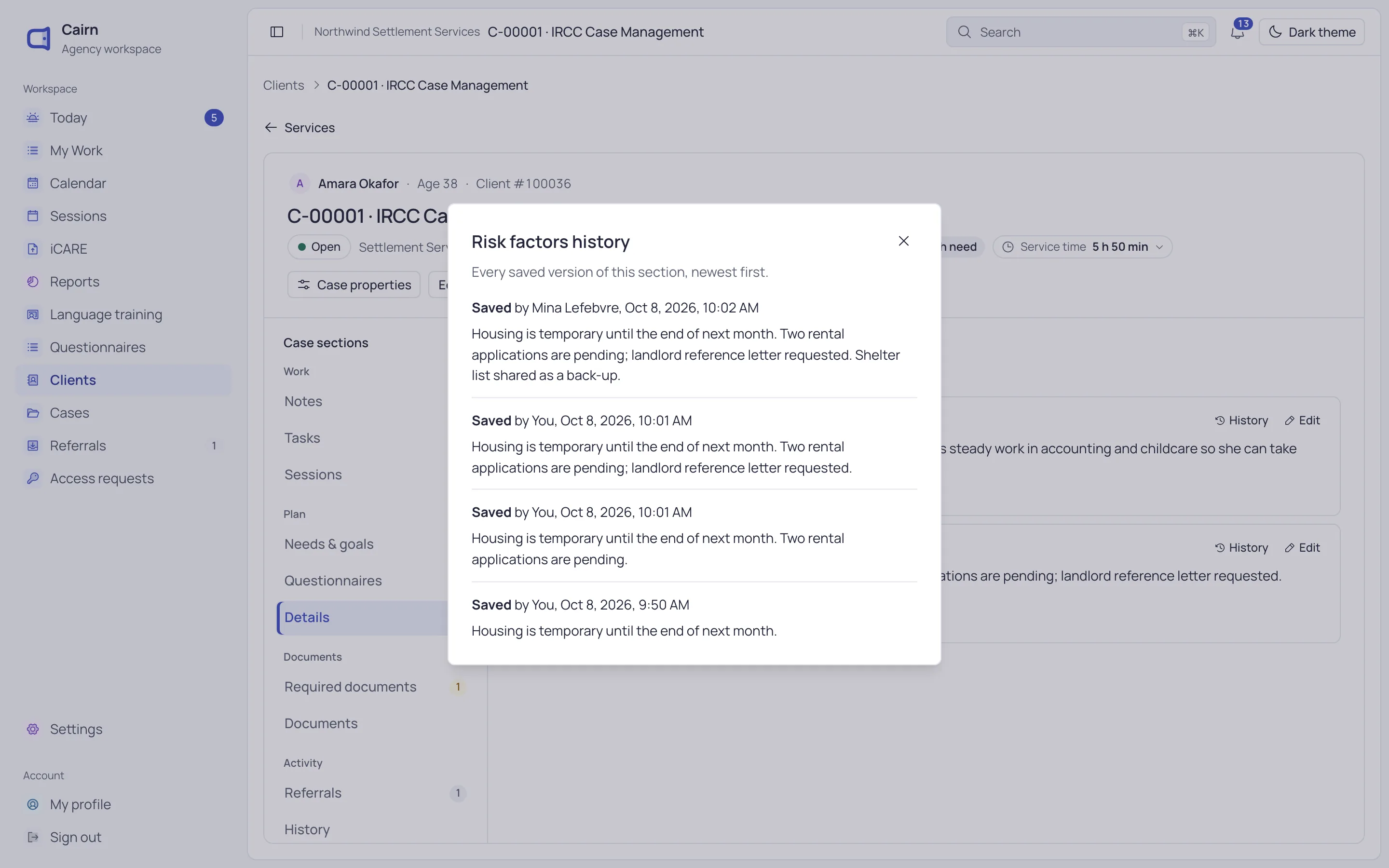
Role assignments: each staff member with their role and the programs and sites it covers.

How Cairn protects records

Protections built into how staff sign in, what they see and how the public reaches you.

  • Roles for each job

    Intake, caseworker, program manager, instructor, records manager and more. Each role sees only what its work needs.

  • Restricted records

    A restricted case is open only to its caseworker, named colleagues and people with an approved grant. It doesn’t show in searches or counts.

  • Passwords kept as hashes

    Cairn stores passwords only as one-way hashes. Nobody, administrators included, can see a password.

  • Limits on wrong guesses

    Five wrong passwords lock sign-in for 15 minutes. A reset link works once, for 30 minutes.

  • One session per person

    Signing in somewhere new signs you out elsewhere. Sessions end after 30 minutes without use.

  • Guarded public forms

    The application form limits how often one address can send, and quietly drops automated submissions.
Access you control

Your administrators decide who sees what

Invite staff with the roles, programs and sites they need. Suspend or remove someone and their access ends at once.

  • Caseworkers see their own programs and sites
  • A second administrator confirms each new administrator
  • Extra access needs an approver and ends on a set date
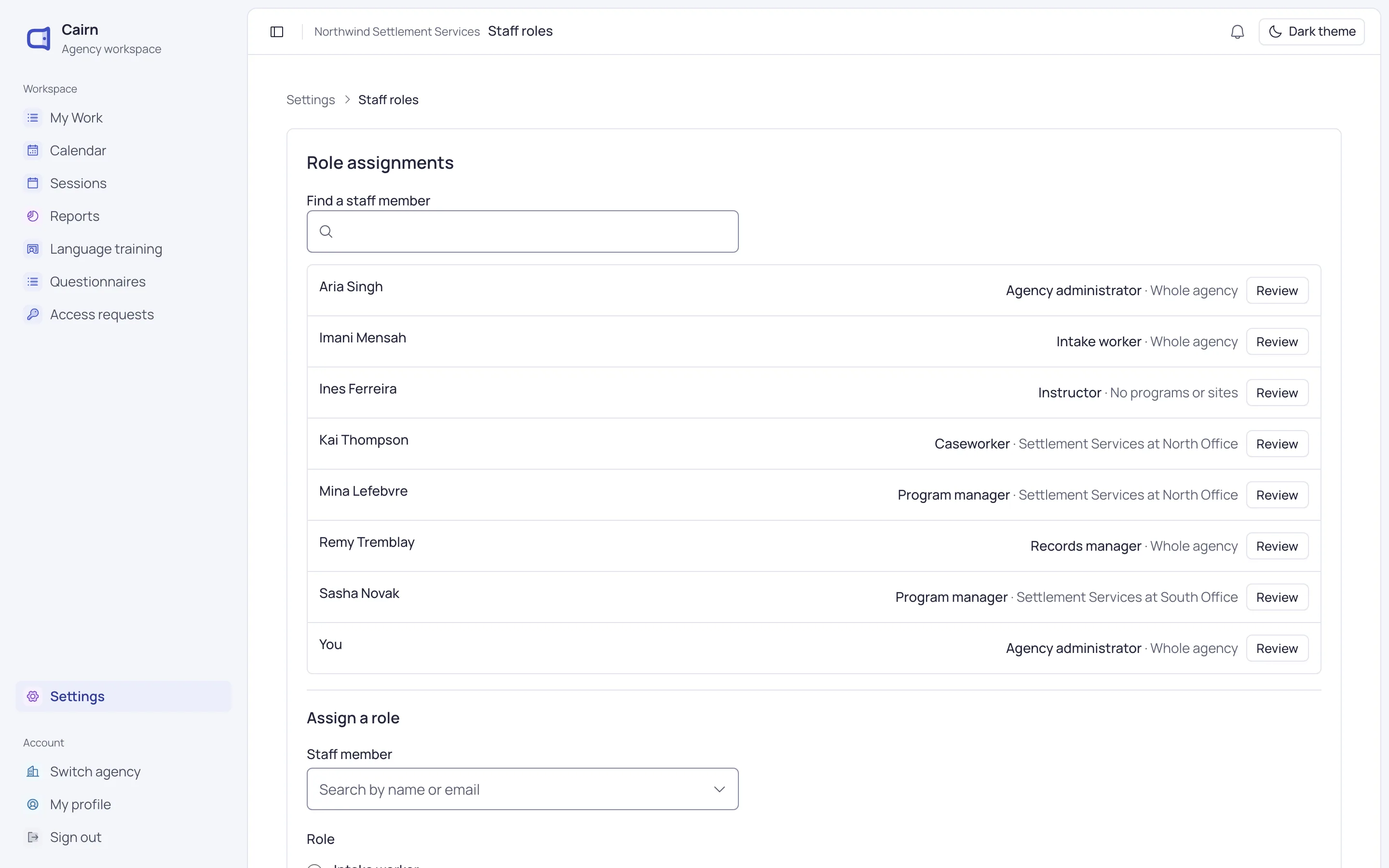
The Settings page, with a Get started checklist showing 15 of 17 steps done.

Every change kept

See who changed what, and when

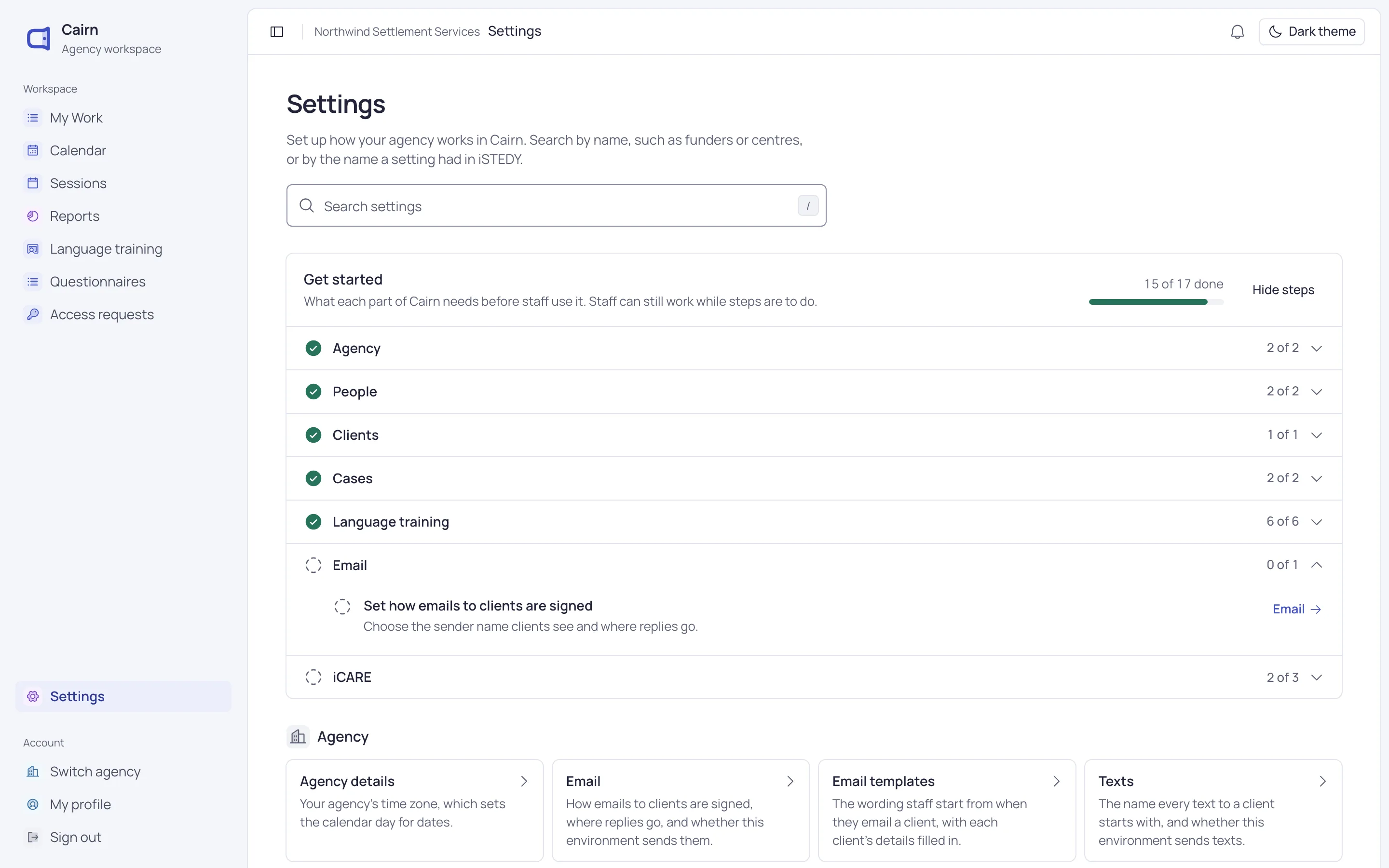
Records keep their earlier versions instead of overwriting them, with who made each change and when.

  • History on notes, case details and class records
  • A timeline of each client’s cases, notes and documents
  • Staff access changes recorded as they happen
The version history of a case’s risk factors: four saved versions by two staff members, each with who and when.

Your agency gets its own Cairn

Each agency has a Cairn of its own. Your records are never mixed with another agency’s.

Your agency controls its client records. We hold them on your behalf.

  • Your own web address
  • Your own staff, roles and sign-in
  • Your own settings, forms and templates
  • Everything sent to and from Cairn is encrypted

Questions about security

Can’t find what you need? Write to us and a person will answer.

[email protected]
How do staff sign in?

With their work email and a password. There’s one session per person, so signing in on a new device signs them out of the old one. Two-step verification is on the way.

What happens when someone leaves?

An administrator suspends or removes them in Settings. They’re signed out at once and can’t open your Cairn again. Their cases stay, ready to hand over.

Can we see who changed a record?

Yes. Notes, case details and class records keep each earlier version, with who changed it and when. A client’s activity shows what happened on their file.

How do you handle personal information?

Your agency decides what to collect and controls its records. We hold them on your behalf and use them only to run Cairn for you. Read our privacy policy.

See Cairn with your own programs

We’ll walk through intake, cases, classes and reporting using the way your agency works.