Apps
Cairn on every desk and phone
Use Cairn in the browser or in apps for Mac and Windows. Clients have an app of their own. We set the apps up for your agency.
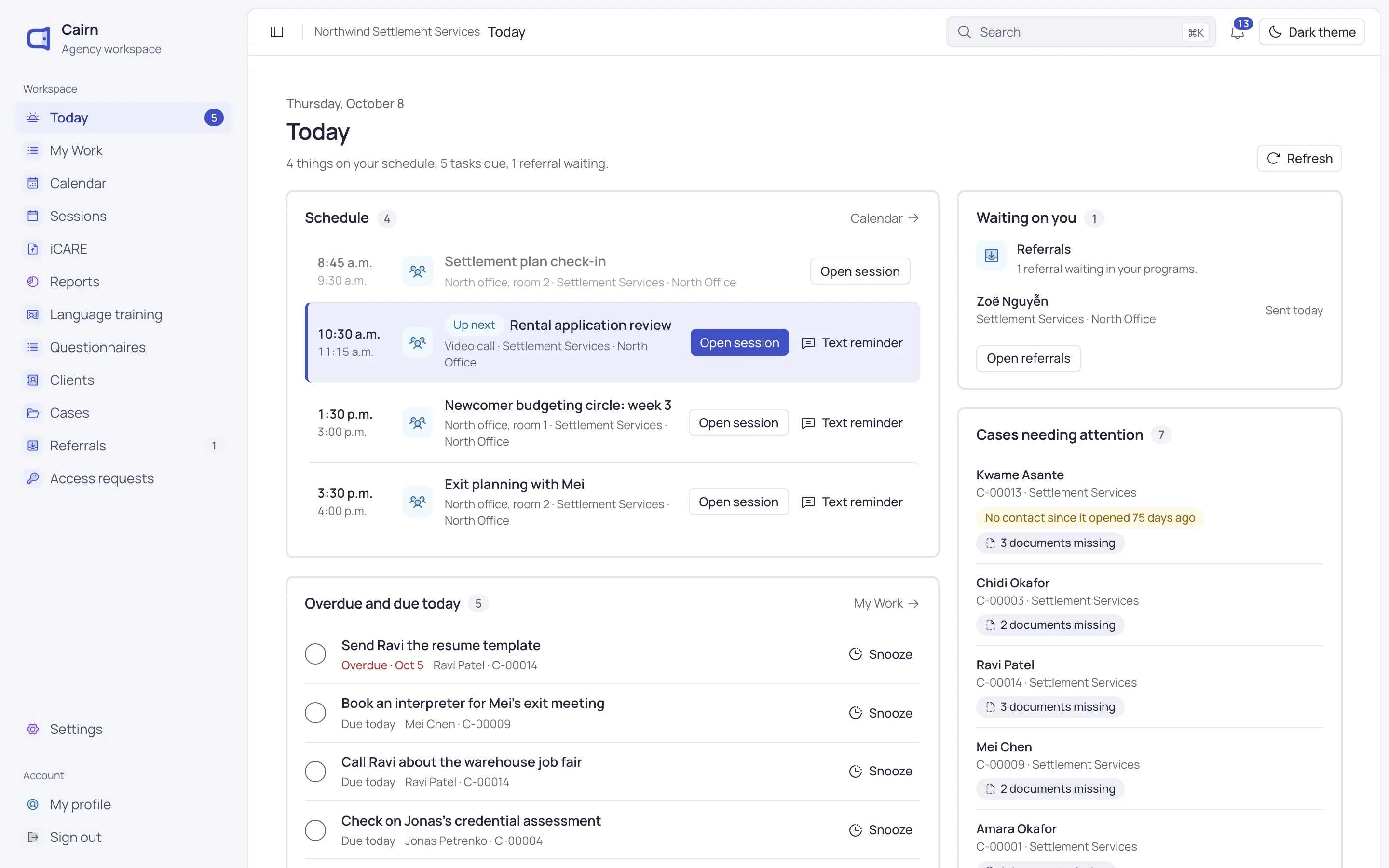
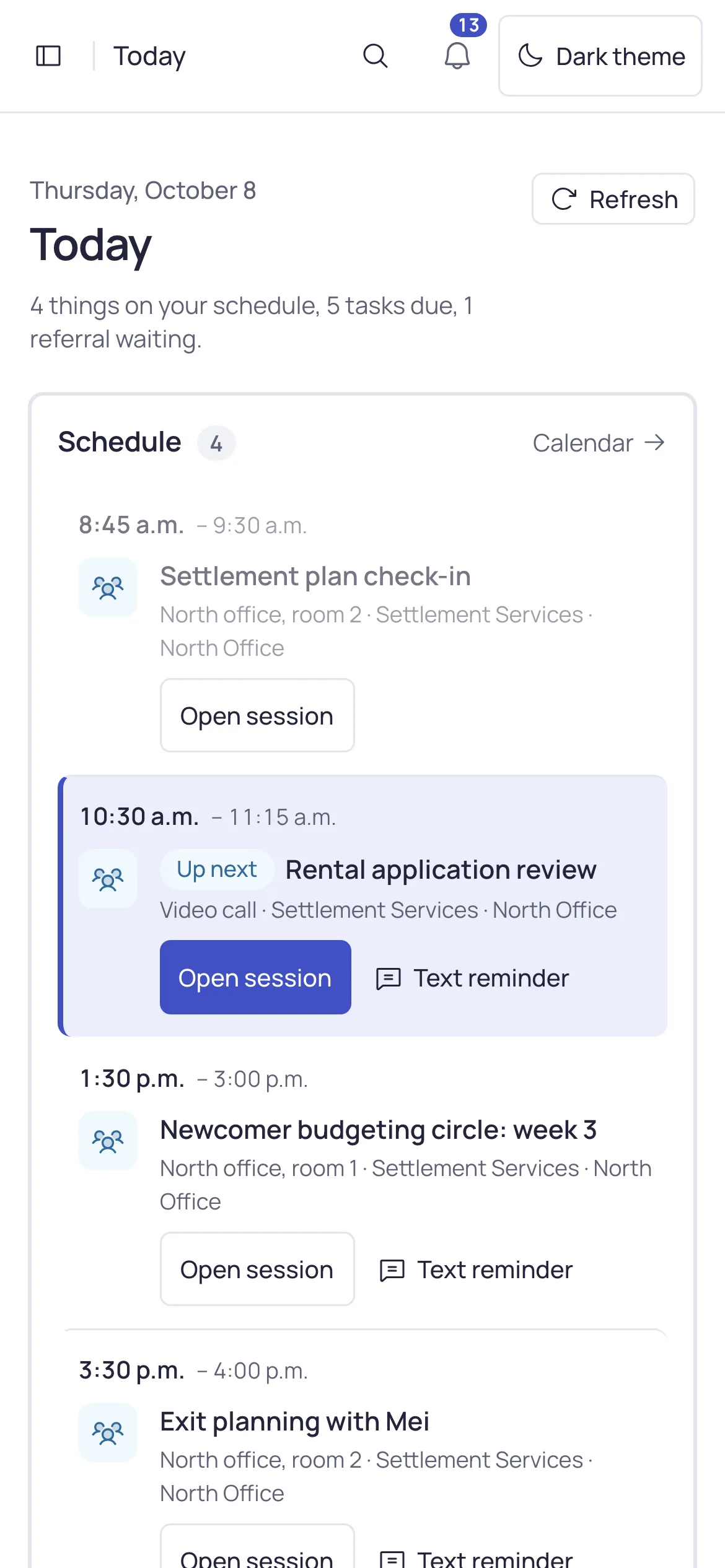
One Cairn, wherever your staff work
Every app opens your agency’s own Cairn, so staff see the same records and screens on each one.
-
Browser
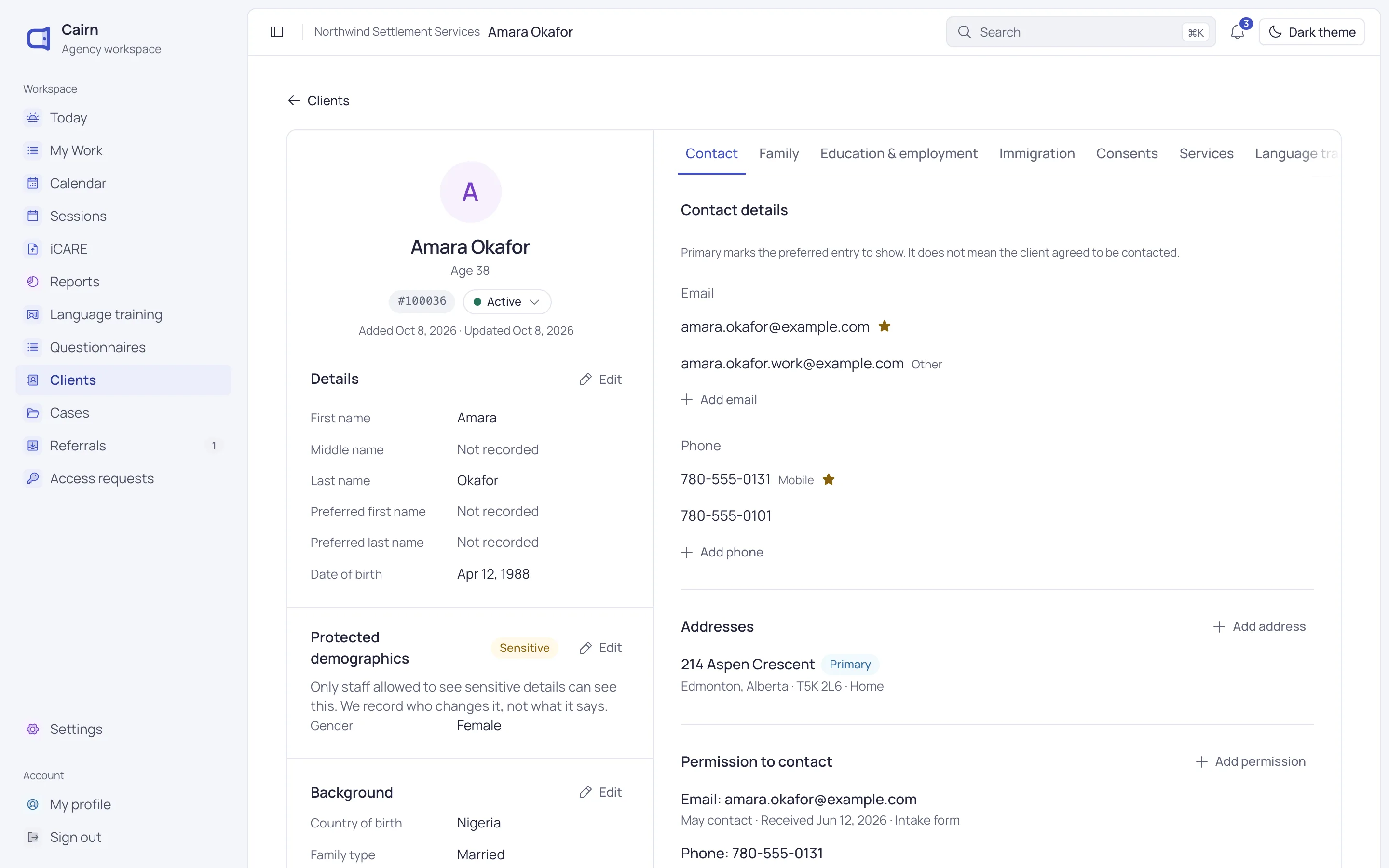
Cairn in the browser
Go to your agency’s Cairn address and sign in. There’s nothing to install.
- Laptops, tablets and phones
- Attendance and notes from a phone
- The same screens as the apps
-
Mac
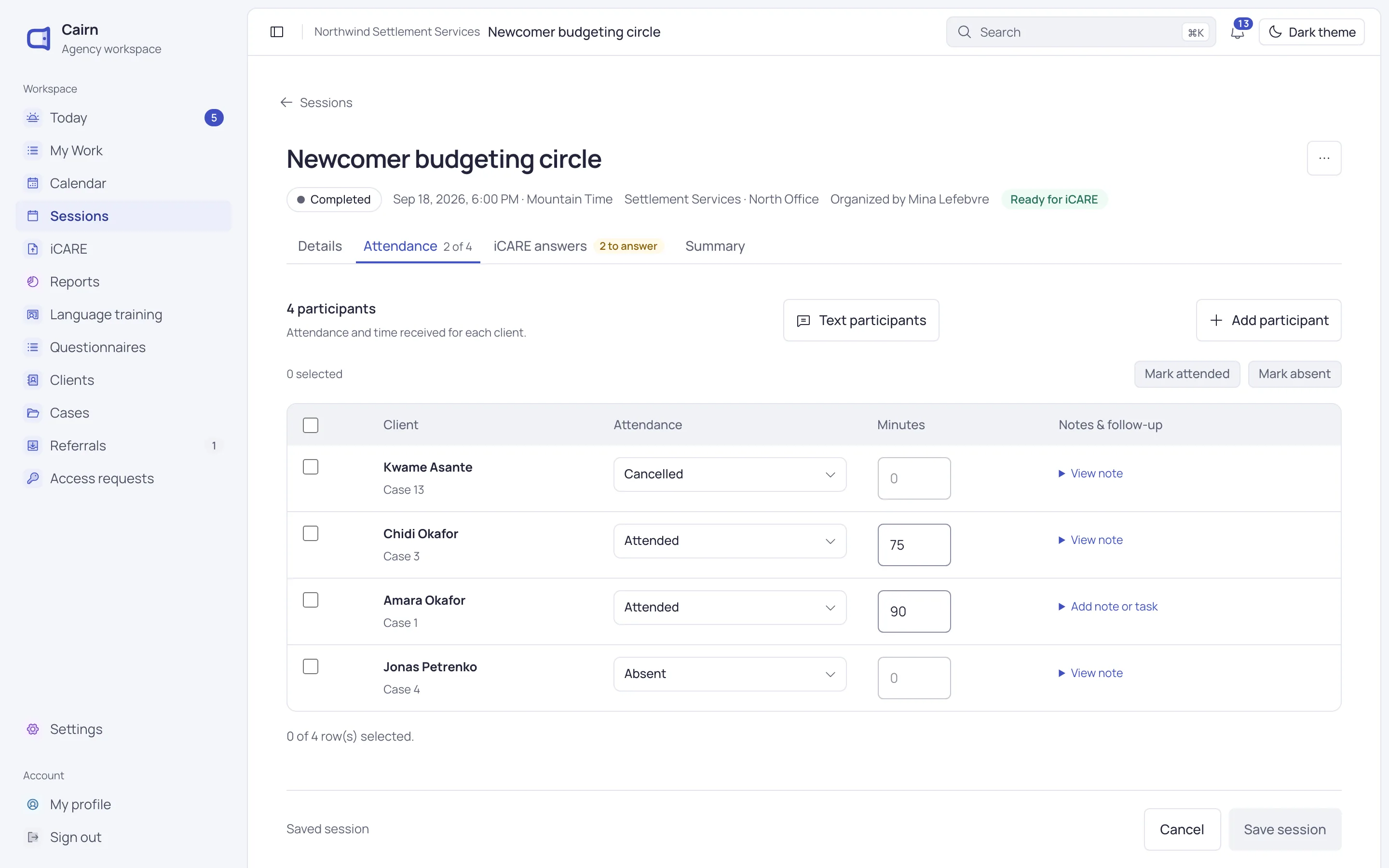
Cairn for Mac
Cairn in its own window, one click away in the Dock.
- Apple silicon and Intel
- Updates itself
- Downloads ask where to save
-
Windows
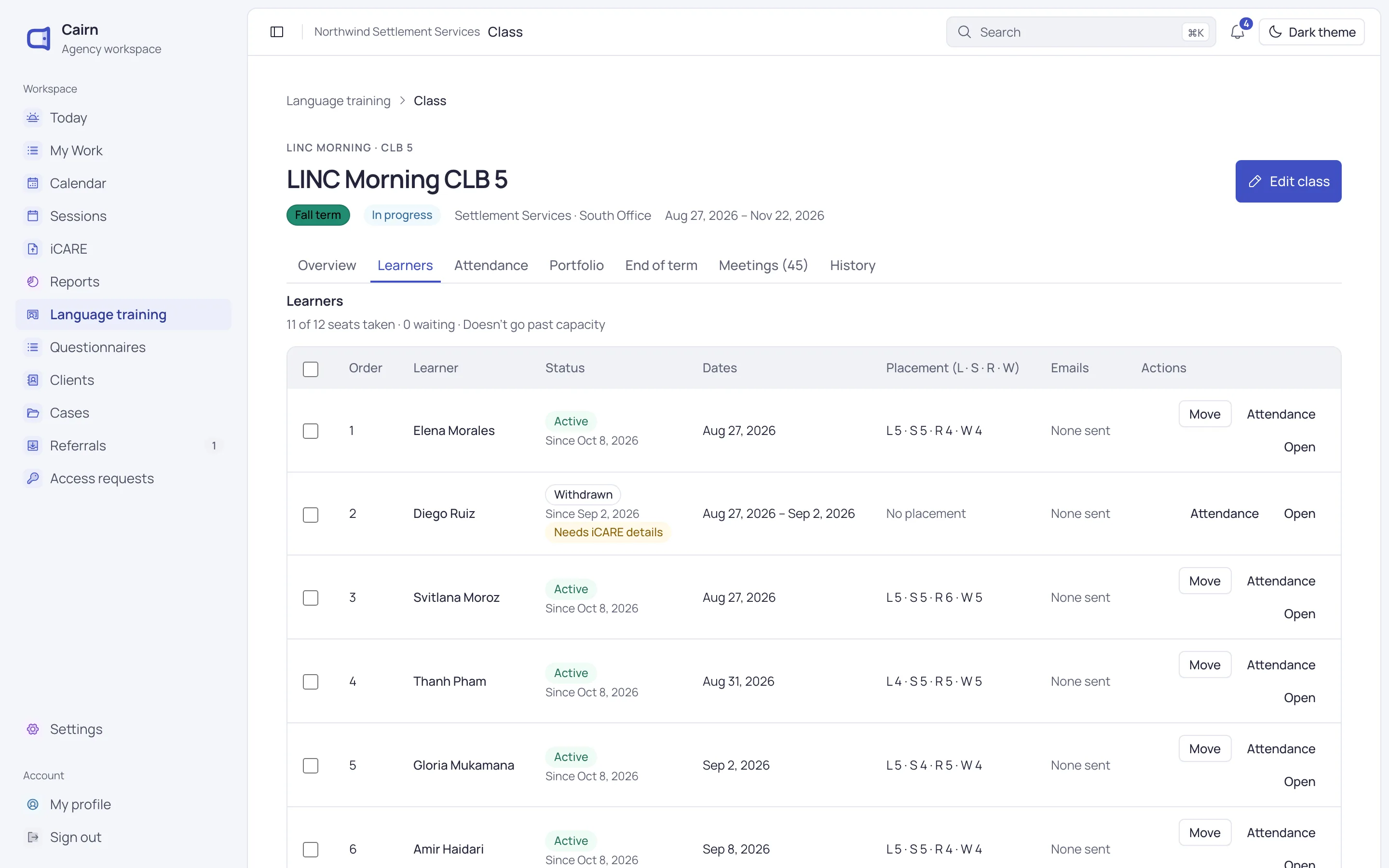
Cairn for Windows
Each person installs it for themselves. No administrator rights needed.
- Works on unmanaged PCs
- Updates itself
- Remembers its window size and place
-
For clients
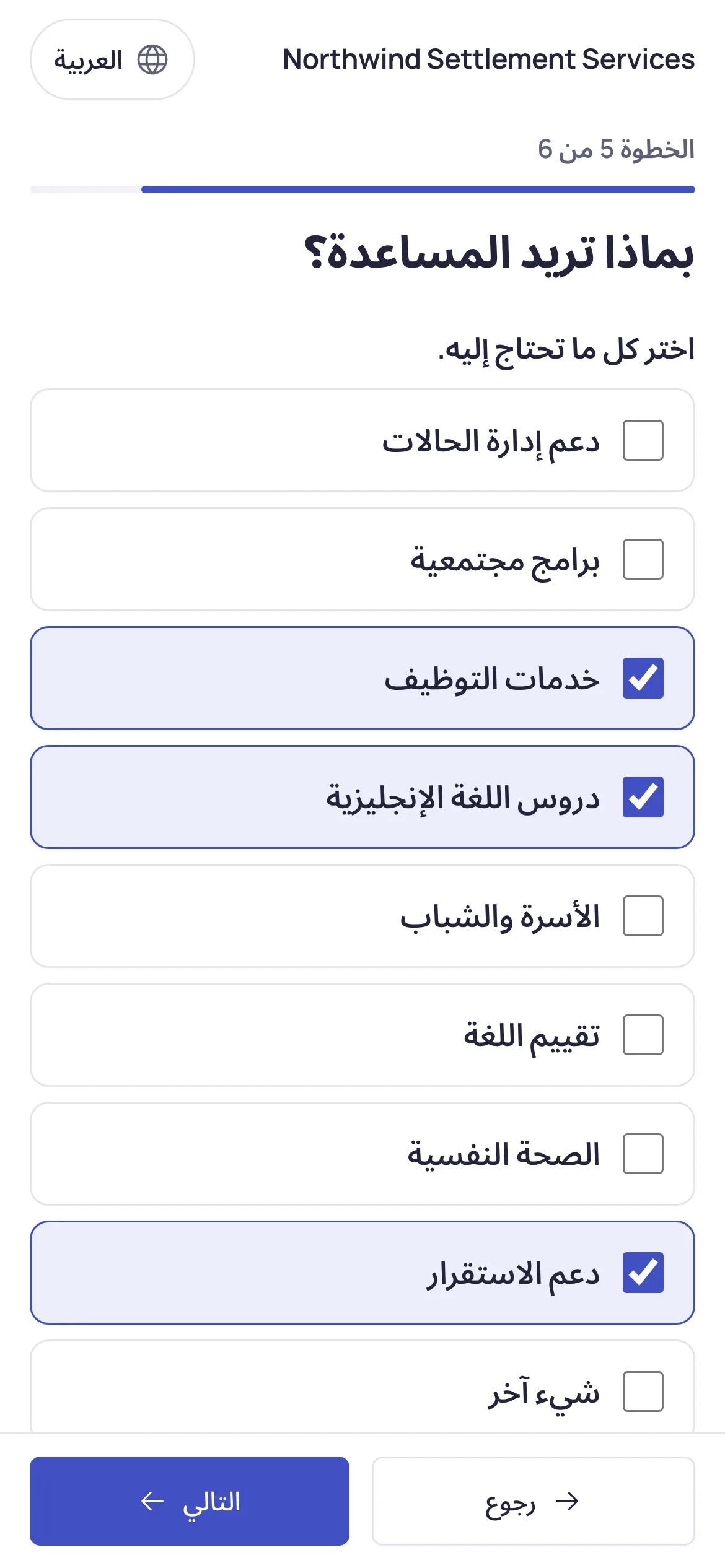
The client app
Newcomers apply from their own phone and answer your messages in a tap.
- The application form in 31 languages
- Reply to class invitations and wait-list checks
- No account needed
How your agency gets the apps
We build the apps for your agency and send them to you. They don’t come from an app store.
- 1
Tell us what you need
Say which apps your staff use and who should get them.
Write to us - 2
We build your apps
Each app carries your agency’s name and icon and opens your agency’s Cairn.
- 3
Staff install and sign in
Staff run the installer and sign in with their usual Cairn account.
The same Cairn in every app
Nothing to learn twice, and nothing to keep in step.
Same account everywhere
Staff sign in with the same email and password in the browser and in the apps.
Updates itself
The apps update on their own. Each change to Cairn reaches every app at once.
Your agency’s name and icon
Your staff see your agency’s name on the app and its icon in the Dock or taskbar.
Laptops, tablets and phones
In the browser, Cairn fits the screen, from a desktop to a phone at the front of a class.
Print and download
Print certificates and report cards, and save downloads where you choose.
Signs you out elsewhere
One session per person: signing in on one device signs you out of the others.
Questions about the apps
Can’t find what you need? Write to us and a person will answer.
[email protected]Do we need IT to install the apps?
Not on Windows. The Windows app installs for each person and needs no administrator rights. On a Mac, it installs like any other app.
Can we get the apps from an app store?
No. We build the apps for your agency and send you the installers. Write to us at [email protected] and we’ll set them up.
Do the apps work offline?
No. The apps open your agency’s Cairn, so they need an internet connection, just like the browser.
What can clients do in the client app?
Clients fill in your application form in their language, and reply to class invitations and wait-list checks from your emails. They don’t need an account. Client and learner sign-in is on the way.
See Cairn with your own programs
We’ll walk through intake, cases, classes and reporting using the way your agency works.