Language training

LINC classes without the spreadsheets

Courses, wait-lists, attendance, benchmarks and certificates, kept with each learner’s file, so instructors teach and coordinators stop chasing paper.

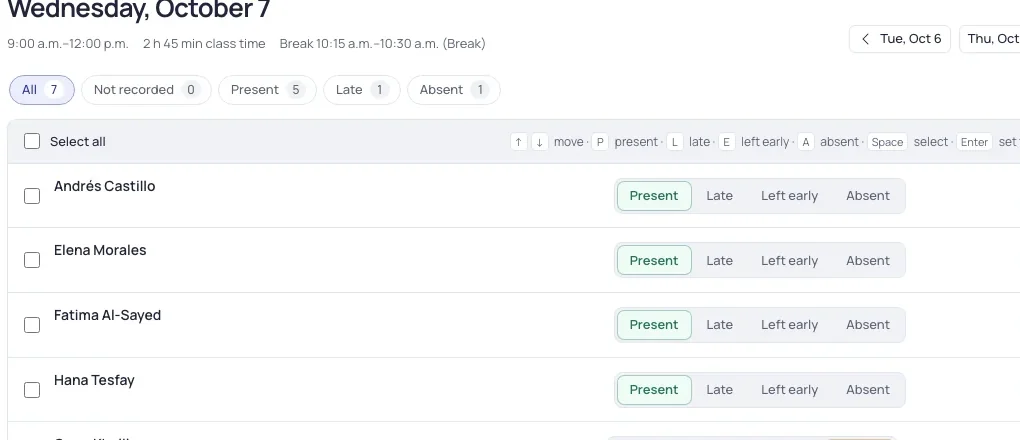
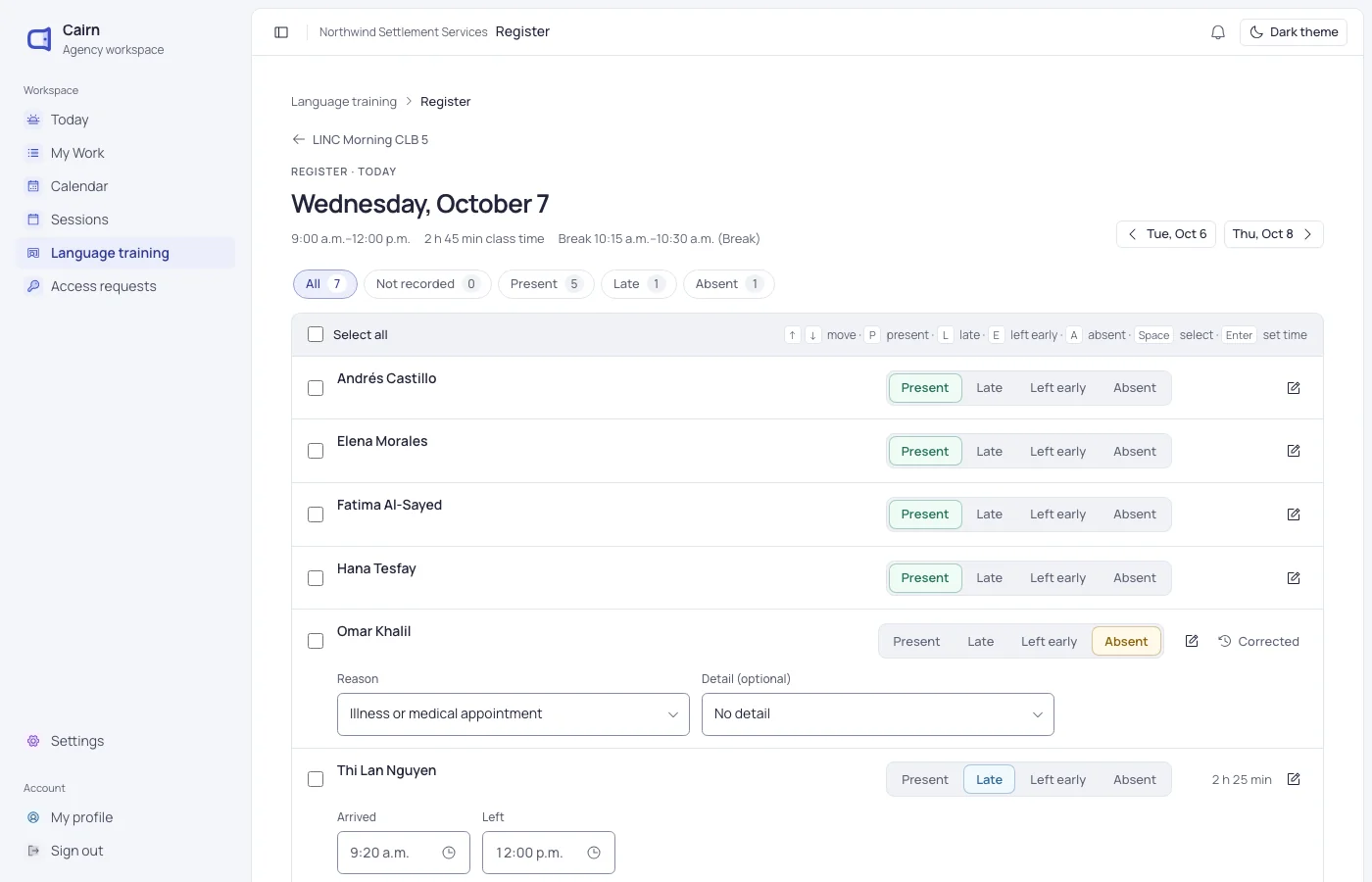
Today’s register for a LINC class: seven learners, five present, one late and one absent.

Set up the term

Courses, terms and classes in one place

Build each term from your course list. Cairn creates the class meetings, skips holidays and keeps rooms within capacity.

  • Levels from CLB 1 to 8
  • Teachers, rooms and times for each weekday
  • In-person, hybrid and remote classes
A class roster with each learner’s attendance this week.

Fill the seats

A wait-list that matches learners to classes

Learners wait for the right level, time and format. When a seat opens, Cairn suggests who fits and records their reply.

  • Match by benchmark, availability and childcare
  • Invitations and confirmations tracked
  • Register straight from the learner’s file
A queue of learners waiting for a class, with how long each has waited.

Teach

Attendance in a minute, on any device

Mark present, late or absent from a laptop or a phone at the front of the room. Hours add up for each learner automatically.

  • Absence reasons your funder asks for
  • Actual and possible hours worked out for you
  • Follow up with learners who miss class
Taking attendance for a LINC class.

Everything a LINC program keeps

From the first placement test to the certificate, it all builds up in the learner’s file.

  • CLB benchmarks

    Listening, speaking, reading and writing scores, with a full history for each learner.

  • Portfolio tasks

    Assessment tasks and artefacts by skill, with outcomes and the CLB each one addressed.

  • Progress reports

    Learner progress reports and conference summaries, filled in from the term’s work.

  • Report cards

    Report cards from your agency’s template, with attendance and comments.

  • Certificates

    Certificates with your agency’s signatures, ready to print or send.

  • End of term

    Close a class in one pass: exits, completed levels and iCARE details together.

Ready for iCARE when the term ends

The course facts and each learner’s results are already in Cairn, so the Language Training template fills itself in.

  • Course details, delivery mode and CLB range
  • Each learner’s training status and completed levels
  • Support services such as childcare and transportation
  • Missing details flagged before you export

Questions about language training

Can’t find what you need? Write to us and a person will answer.

[email protected]
Can instructors take attendance on a phone?

Yes. The class register works on phones and tablets, so instructors can mark attendance from the front of the room.

Do learners need a separate record for classes?

No. A learner is one client in Cairn. Their classes sit beside their other services, under the same access rules.

Can we use our own report card and certificate?

Yes. Report cards follow your agency’s template, and certificates use your agency’s signatures.

Does Cairn handle LINC wait-lists?

Yes. Learners wait for the level, time and format that suit them, and you can see who fits when a seat opens.

See Cairn with your own programs

We’ll walk through intake, cases, classes and reporting using the way your agency works.